
IPTV & law · Support
Detect & remove IPTV malware (2026)
Dubious IPTV apps and "free" lists from unclear sources can contain malware. Here you learn how to spot an infection, how to remove malware and how to protect yourself in future – without panic, with clear steps.
⏱ 4 min read
Key takeaways
- The risk lies in unofficial APKs and dubious "free" lists.
- Warning signs: ads, crashes, overheating, unknown apps.
- Remove: uninstall the suspicious app, scan the device, update.
- Protection: use only official stores and licensed sources.
Most security problems with IPTV arise not from the technology but from dubious apps from unclear sources. Anyone using official stores is well protected. If something does go wrong, these steps help. For the full overview, see the cluster <a href="https://iptvkaufen-24.de/en/iptv-vpn-security/">use IPTV safely</a>.
How do you spot malware?
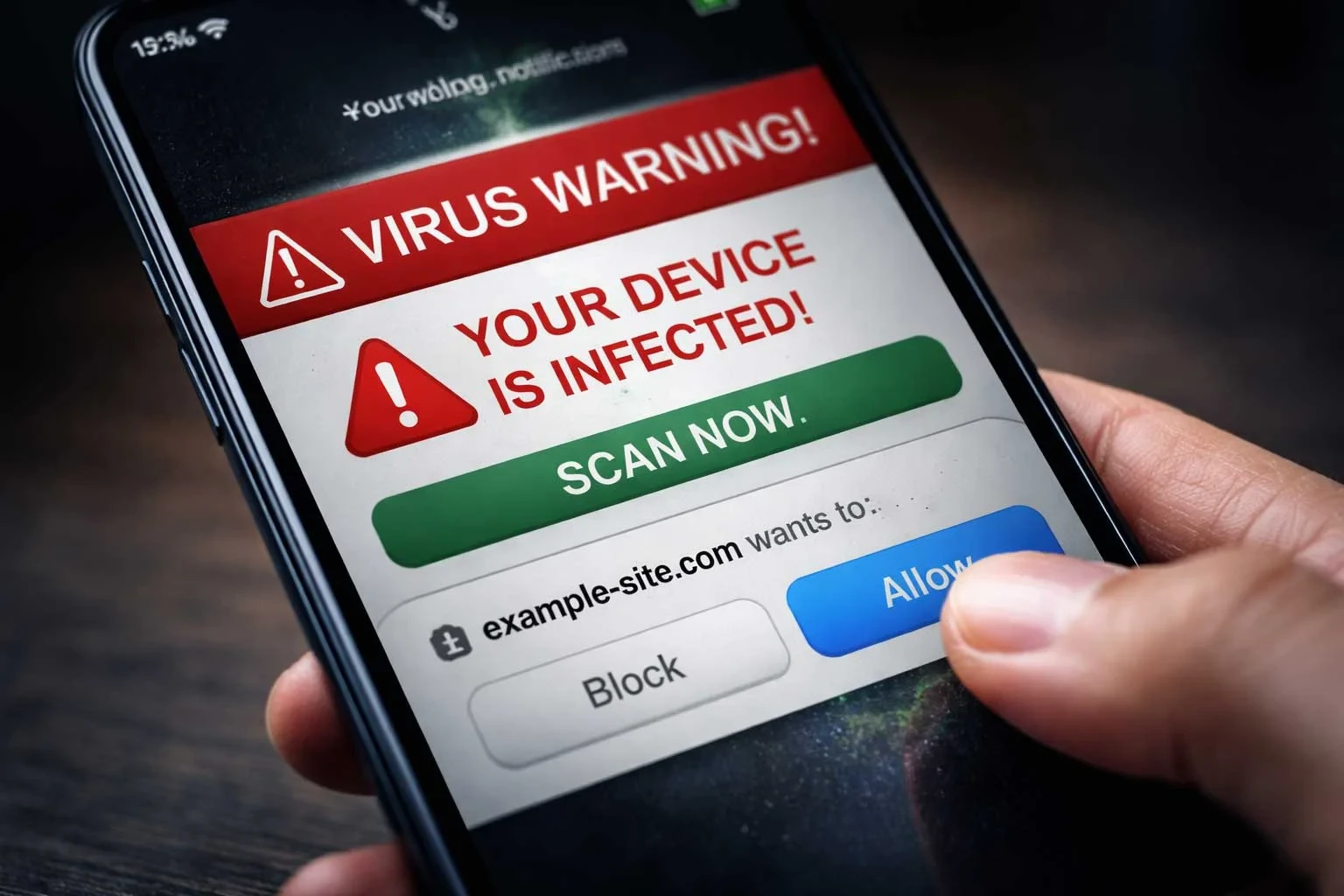
Typical signs of malware after installing a dubious app are: suddenly lots of intrusive ads, frequent crashes, unusual overheating or fast battery drain, unknown newly installed apps and a noticeably slower device. Unexpected permission requests are a warning sign too.
How to remove IPTV malware
- Uninstall the suspicious app: remove the recently installed dubious IPTV app or APK.
- Scan the device: use your device security features or a reputable virus scanner.
- Check permissions: revoke rights from unknown apps.
- Update system & apps: updates close security gaps.
- Reset if needed: for stubborn infections a factory reset helps (back up first).
How to protect yourself in future
The most effective protection is simple: install apps only from official stores (Fire TV, Google Play, App Store), avoid unofficial APK downloads and use only licensed sources. How to stream safely overall is summarised in the cluster use IPTV safely; how to protect your data is in protect your IPTV data & privacy.
| Warning sign | Protective step |
|---|---|
| Lots of intrusive ads | Uninstall the suspicious app |
| Crashes / overheating | Scan & update the device |
| Unknown apps | Use only official stores |
| Odd permissions | Revoke rights |
Test safely & legally
Anyone relying from the start on a transparent provider with official apps barely encounters malware. With the free 24-hour trial you check an offer before deciding – with no risk.
How safe is IPTV really?
"Is IPTV safe?" and "how safe is IPTV?" are among the most common questions – and the answer is reassuring: the IPTV technology itself is safe. Risks come not from the method but from the source and the app you use.
Safe vs. risky
- Safe: official apps from the app stores and licensed providers
- Risky: unofficial APKs and dubious "free" lists from unclear sources
In other words, IPTV security is largely in your hands. Anyone choosing official apps and a transparent provider has practically nothing to do with malware. The full overview is in the cluster use IPTV safely.
After a suspicion: secure your device & accounts
If you installed a dubious app and suspect an infection, you should also secure your accounts after removing it – malware may have read login details.
Checklist after a suspicion
- Change the passwords of your key accounts (email, banking, shops)
- Enable two-factor authentication where possible
- Check payment statements for unknown items
- Fully update the device, reset it if in doubt
- From now on, use only official app stores
That way you limit possible damage and start clean. The cause remains key: never load players from dubious sources. How to protect your data long term is in protect your IPTV data & privacy.
Why official apps are the best protection
Why are official app stores so much safer than unofficial APK files? The reason is vetting. Apps in the official stores from Fire TV, Google and Apple go through automated and partly manual security checks, are removed when problems appear, and receive regular updates that close security gaps. An unofficial APK from a dubious website goes through none of this – you install it on pure trust.
On top of that comes the permission model of modern operating systems: official apps run in a sandboxed environment and must explicitly ask permission for sensitive access. Malware from dubious sources, by contrast, often tries to bypass exactly these protections. So anyone who consistently stays with official apps and a transparent provider eliminates by far the biggest IPTV security risk at the root – without any special technical knowledge.
Conclusion
IPTV malware almost always comes from dubious apps and "free" lists, not from the technology. If you notice ads, crashes or unknown apps, uninstall the suspicious app, scan and update your device. In future, consistent protection: only official stores and licensed sources. Not legal advice.
Disclaimer: this guide is general information and does not constitute legal advice. For your specific situation, please consult a lawyer or a consumer advice centre.
Sources & further reading
FAQ