
IPTV & law · Security
Use IPTV safely: VPN, privacy & malware protection (2026)
If you use IPTV, you should mind security and privacy – regardless of provider. Here you learn what a VPN really does, the risks of dubious apps and "free" lists, and how to pay safely. Important: a VPN does not make unlawful use legal.
⏱ 4 min read
Key takeaways
- A VPN protects your privacy but does not make unlawful use legal.
- The biggest risks are dubious apps and "free" lists (malware).
- Mind secure payment and a provider with a legal notice and terms.
- Install apps only from official sources and avoid unofficial APK files.
- Security starts with choosing a reputable provider.
IPTV security has two sides: protecting your data and protecting against malware. Both depend less on the technology than on the source you use. This guide shows what matters – factually and without scaremongering.
What does a VPN do for IPTV – and what not?
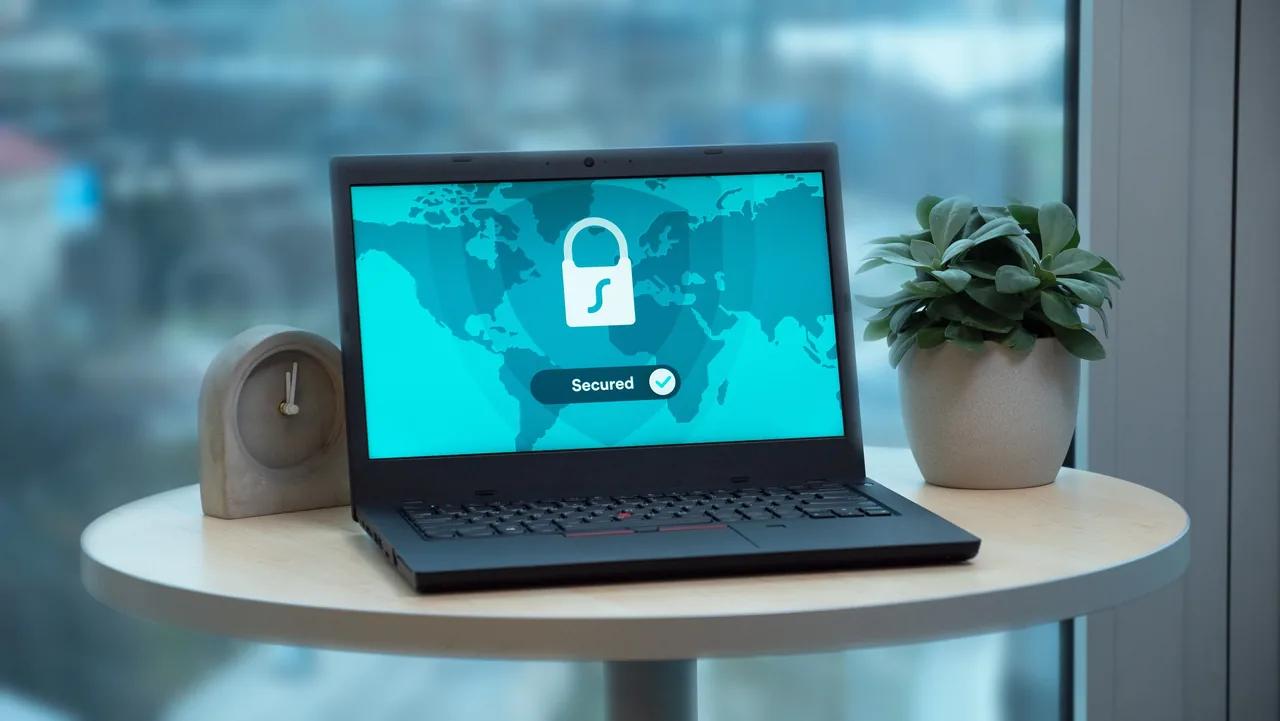
A VPN (Virtual Private Network) encrypts your internet connection and hides your IP address from third parties. That improves your privacy and can be useful, for example on public Wi-Fi. Many people use a VPN to raise their general online privacy.
Very important and honestly put: a VPN does not make unlawful use legal. Anyone using clearly illegal sources acts unlawfully with or without a VPN. We explain the legal classification in the pillar Is IPTV legal?. A VPN is a privacy tool, not a free pass.
Privacy: which data do you share?
With any online service you share data – IP address, payment details, sometimes an email. With reputable providers it is transparent how this data is processed (privacy policy). With dubious "free" services it is often unclear who receives your data.
Tip: use as few but trustworthy services as possible, check the privacy policy and share only the necessary data. A provider with a legal notice and clear terms is a good sign here.
Malware risks from dubious apps & lists
The biggest security risk is not official apps but unofficial APK files and "free" channel lists from unclear sources. They can contain malware that reads data or compromises the device. Caution is advised especially with very cheap or free offers.
- Install player apps only from official app stores (Fire TV, Google Play, App Store)
- Avoid unofficial APK downloads from dubious websites
- Be sceptical of "everything free forever" promises
- Keep your device and the app up to date

| Question | Answer |
|---|---|
| Does a VPN protect my privacy? | Yes, it encrypts the connection and hides the IP address. |
| Does a VPN make unlawful use legal? | No. The legal situation depends on the source of the content. |
| Where is the biggest risk? | In unofficial apps and "free" lists (malware). |
| How do I pay safely? | With providers that have a legal notice and traceable payment methods. |
Paying safely
A reputable provider offers traceable, secure payment methods and a legal notice. Be suspicious if only anonymous or unusual payment methods are required, if any transparency is missing, or if prices are unrealistically low. How to recognise reputability overall is in our guide spot a reputable IPTV provider.
IPTV security checklist
With these points you are on the safe side:
- Licensed sources instead of dubious "free" lists
- Apps only from official stores
- A provider with a legal notice, terms and real support
- Secure, traceable payment
- If in doubt, check in advance with the free trial
How to set up your device afterwards is in the step-by-step guide.
In-depth: best VPN for IPTV, remove IPTV malware and protect your data.
Conclusion
IPTV can be used safely if you mind the source: licensed content, official apps and a transparent provider with a legal notice and secure payment. A VPN raises your privacy but is not a free pass for unlawful use. The biggest risk is dubious "free" lists and unofficial APKs – avoid them.
Disclaimer: this guide is general information and does not constitute legal advice. For your specific situation, please consult a lawyer or a consumer advice centre.
Sources & further reading
FAQ